Tradexus Launchpad
Token sales in one place — reviewed before they appear, filtered your way, with a reminder before the ones you watch begin.
On this page
#What Launchpad is
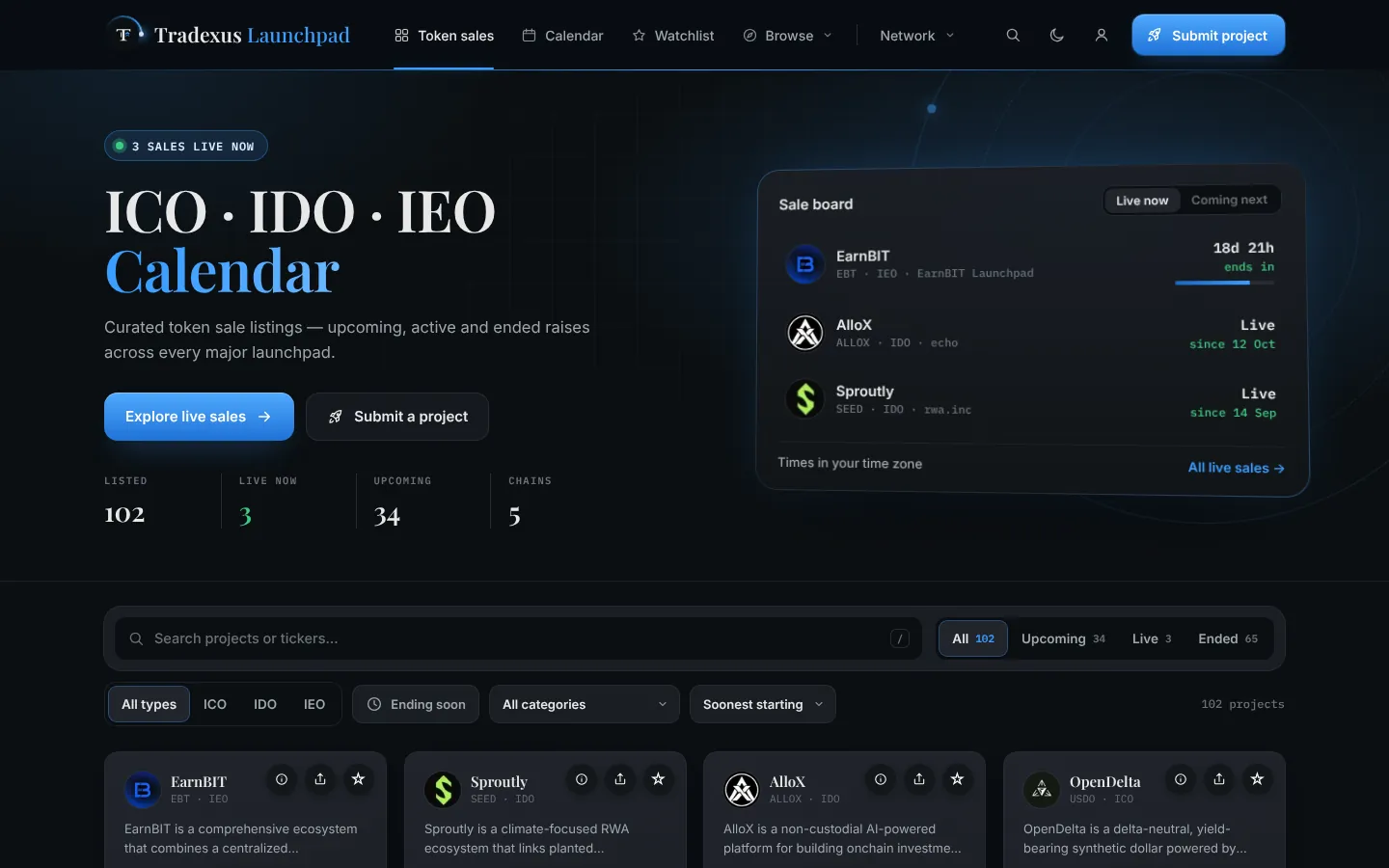
Tradexus Launchpad (launchpad.tradexustimes.com) lists token sales — ICOs, IDOs and IEOs — so you can find them in one place, read the key facts and get a reminder when one starts. Every listing is submitted by the project’s own team and reviewed by us before it appears.
#Sale types
| Type | Where the sale happens |
|---|---|
| ICO — Initial Coin Offering | On the project’s own website |
| IDO — Initial DEX Offering | On a decentralised launchpad or exchange |
| IEO — Initial Exchange Offering | On a centralised exchange’s launch platform |
Every listing links to the platform where the sale actually happens. Tradexus does not sell tokens and never handles sale funds.
#Finding sales
| Address | Shows |
|---|---|
/ | Featured sales first, then everything, with search and filters |
/upcoming · /active · /ended | Sales by status — status follows the sale’s start and end dates |
/ico · /ido · /ieo | Sales by type |
/chain/<chain> | Sales on one blockchain, e.g. /chain/solana |
/category/<category> | Sales in one category, e.g. /category/ai |
/project/<id> | One project’s page |
The Launch Calendar shows the coming sales as a list or a month view.
#A project page
- Name, token symbol, logo, sale type, chain and category.
- Short and full description, start date, token price and soft and hard cap when the team provided them.
- Links: website, whitepaper, X, Telegram and the sale platform.
- A community poll and, after the sale, the token’s performance where it trades.
- For featured projects on launch day, a live launch stream with chat on Stream (
stream.tradexustimes.com/launch/<id>).
#Watchlist and reminders
Star a sale to add it to your Launchpad watchlist. With a confirmed Tradexus account, the watchlist is saved on the account and you get an email reminder when a watched sale is about to start (within two hours of its start).
#Listing a project
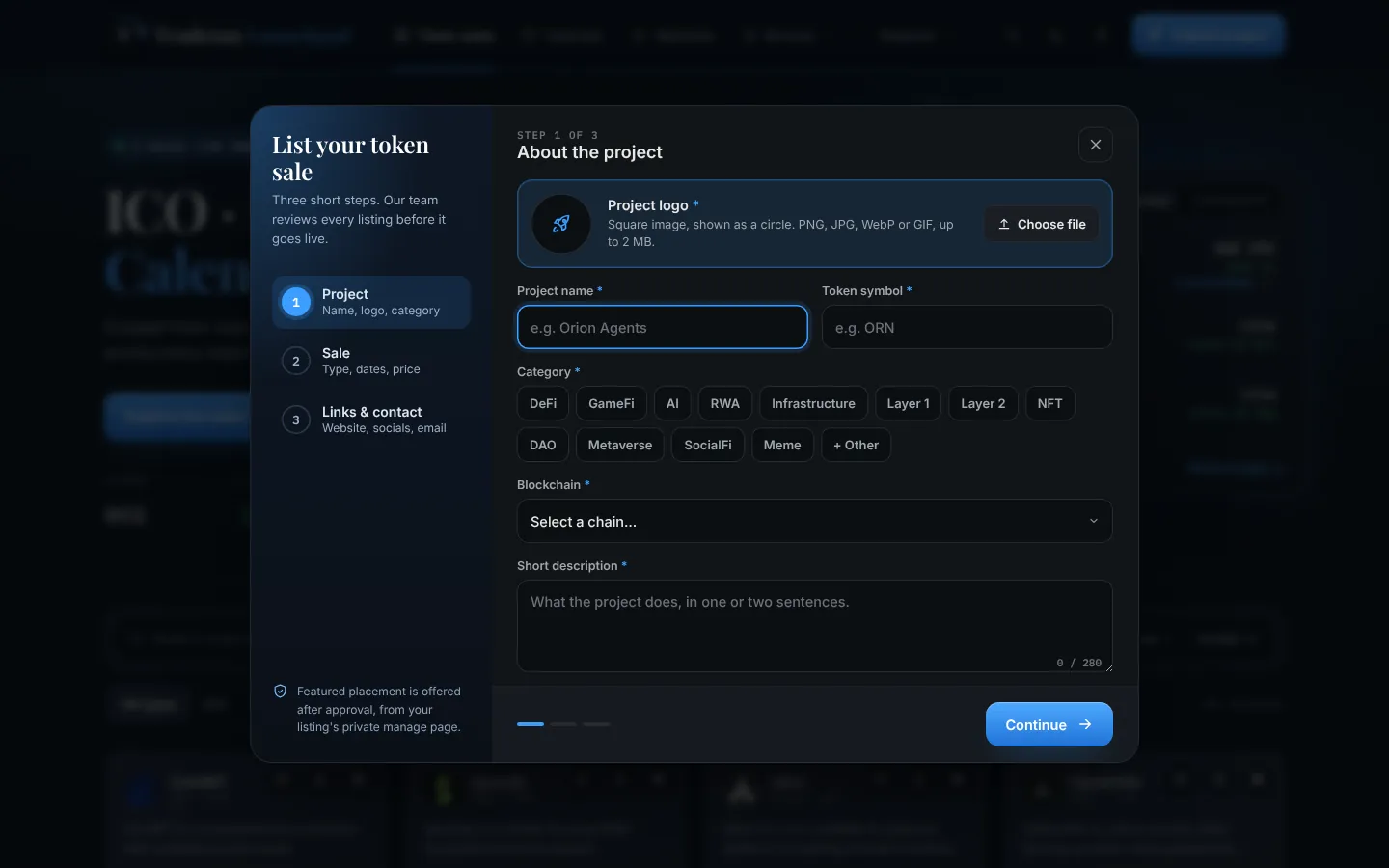
Teams submit their project with the List your project form. The full guide, with every field, is List a project.